New-Carcass Wizard
A new carcass is created via "+ Carcass" (in the carcass list) with a wizard — a multi-page flow over one draft with a live preview in 3D. Each step is a tidy page without nested expanders; you navigate with Back/Next, and the last step creates the carcass. Everything you don't touch keeps its sensible default and can be fine-tuned later in the Inspector.
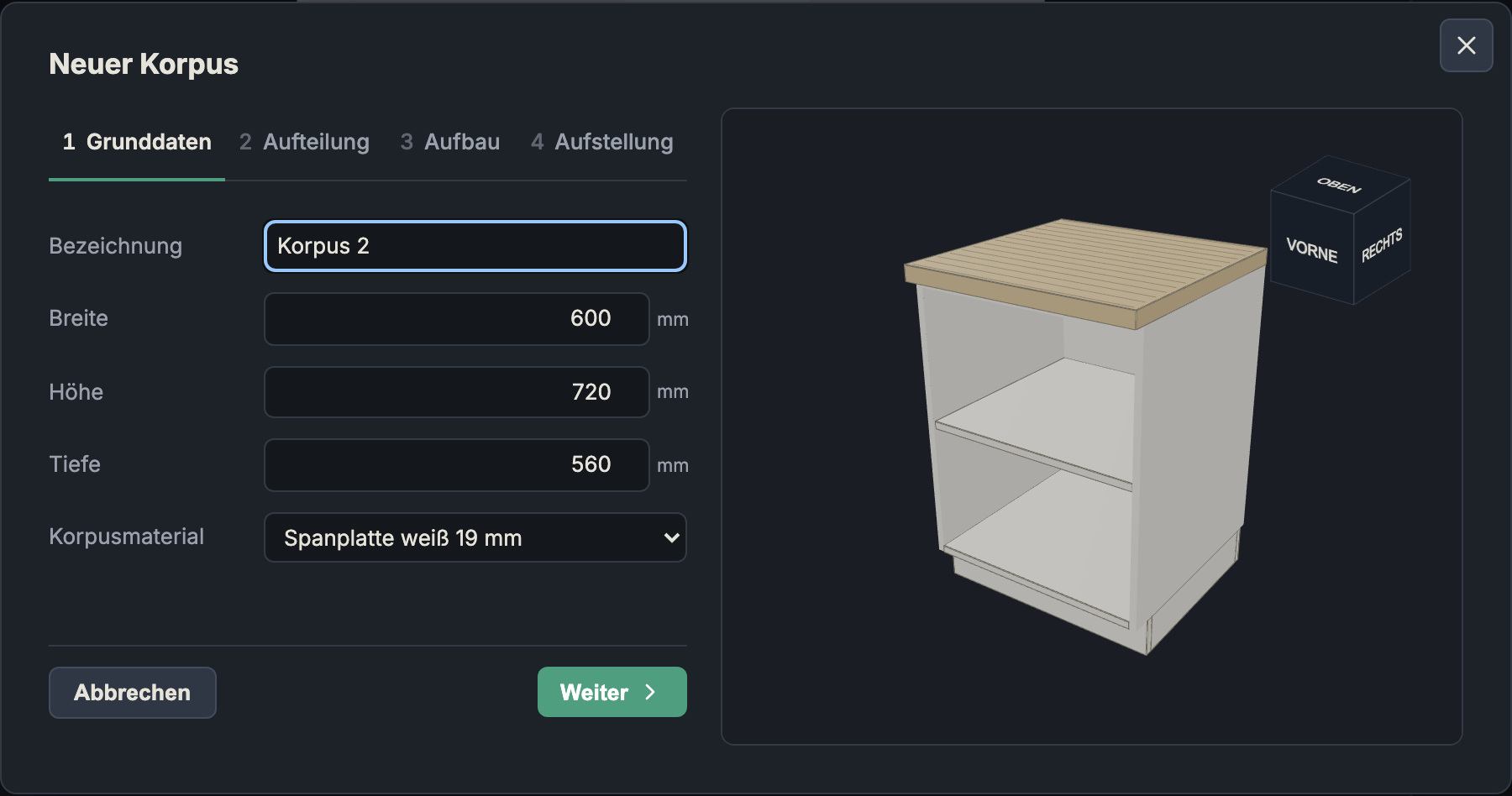
The four steps
- Basics: name, width, height, depth, and carcass material — see Dimensions and Material & Edges. The material choice sets the thickness automatically.
- Front: variant Open / Doors / Drawers and the most important details (for doors: count, overlay, gap, hinge side, material; for drawers: count, overlay, gap, runner clearance, bottom, corner joinery, front material; for open/doors: number of shelves). Details see Front & Compartments.
- Construction: construction, top/stretchers, and joinery (see Construction and Joinery) as well as the back panel (type, mounting, material/thickness — see Back Panel).
- Setup: a summary (dimensions, material, front) plus the toggles Stands on plinth and With worktop (only active if present in the project — see Material & Edges).
The step bar at the top is also clickable (jump straight to a step). Cancel closes without creating, Create adds the carcass to the row.
The wizard covers the most common settings. Special cases — the nested compartment tree, individual drawer heights, LR32, holes, edge thickness, etc. — you set afterwards in the Inspector.
Back to the Overview